Player Integration
How to connect Totem Stream with Totem Player for a seamless experience.
Why use Totem Player?
Although Totem Stream includes a "Cast" function, this technology has limitations and does not support all modern video formats or audio codecs.
💡 The Ultimate Plan B: To ensure maximum compatibility and fluidity, we have created Totem Player, an advanced receiver that works in conjunction with your mobile.
Install Totem Player (TV)
First, install the receiver app on your Android TV or Fire TV Stick. It is currently in Beta Testing Phase.
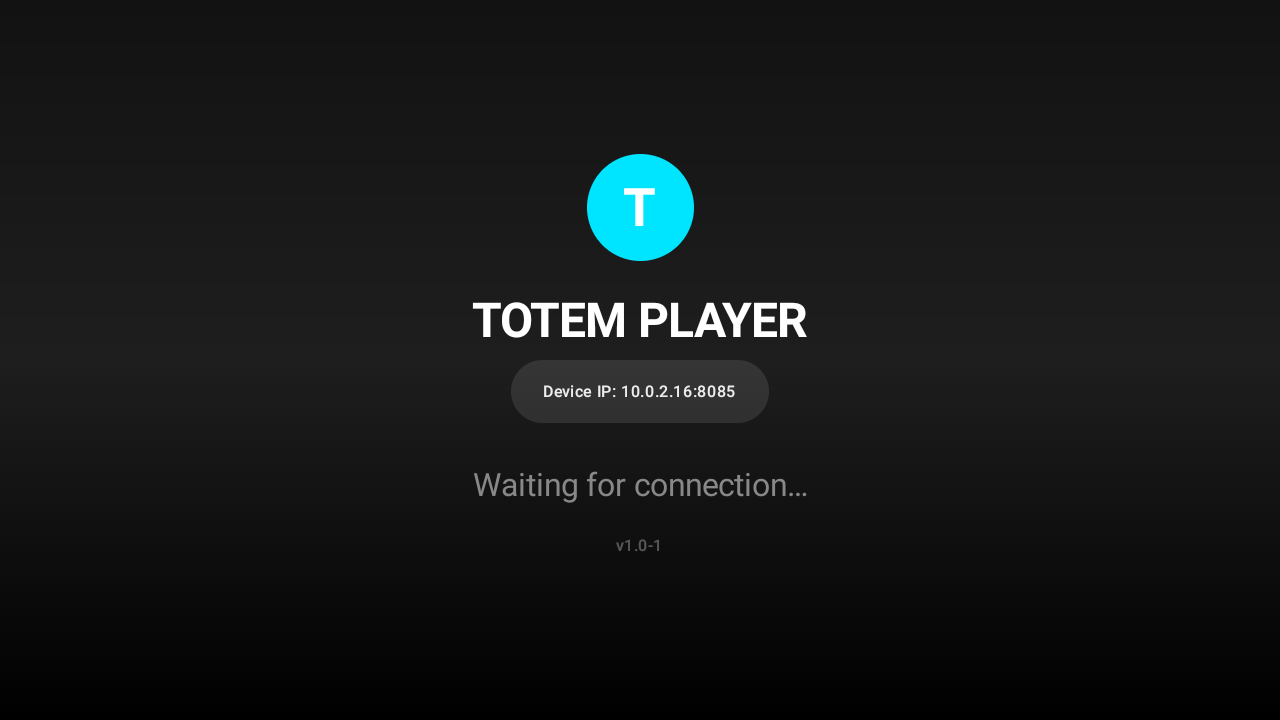
Launch the Receiver
Open Totem Player on your TV. You will see a standby screen indicating it is ready to receive content. Ensure both mobile and TV are on the same WiFi network.
Link from Totem Stream
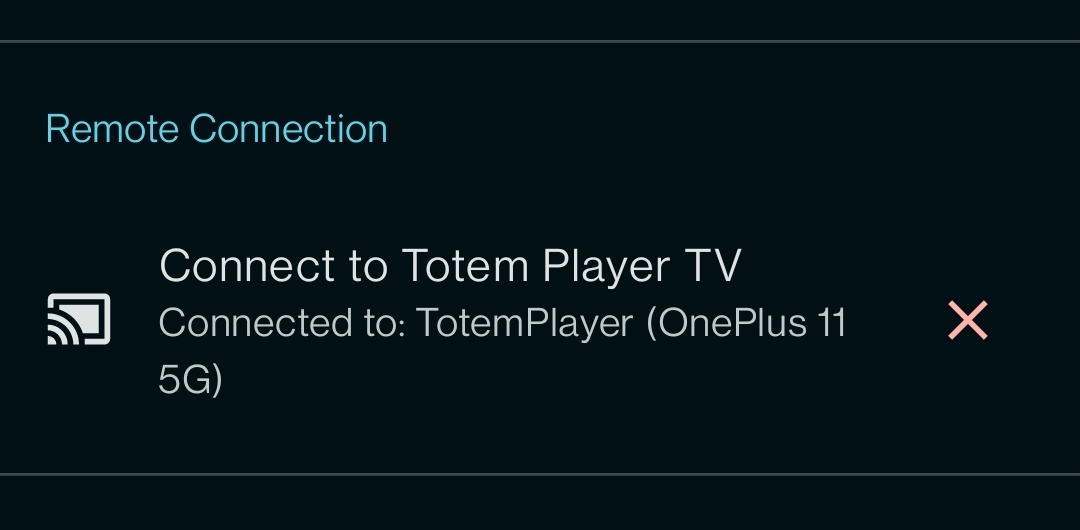
On your mobile, open Totem Stream:
- Go to Settings.
- Find the "Remote Connection" section.
- Select your device from the list (it will be detected automatically).
Send and Play
All set! Browse your favorite content in Totem Stream:
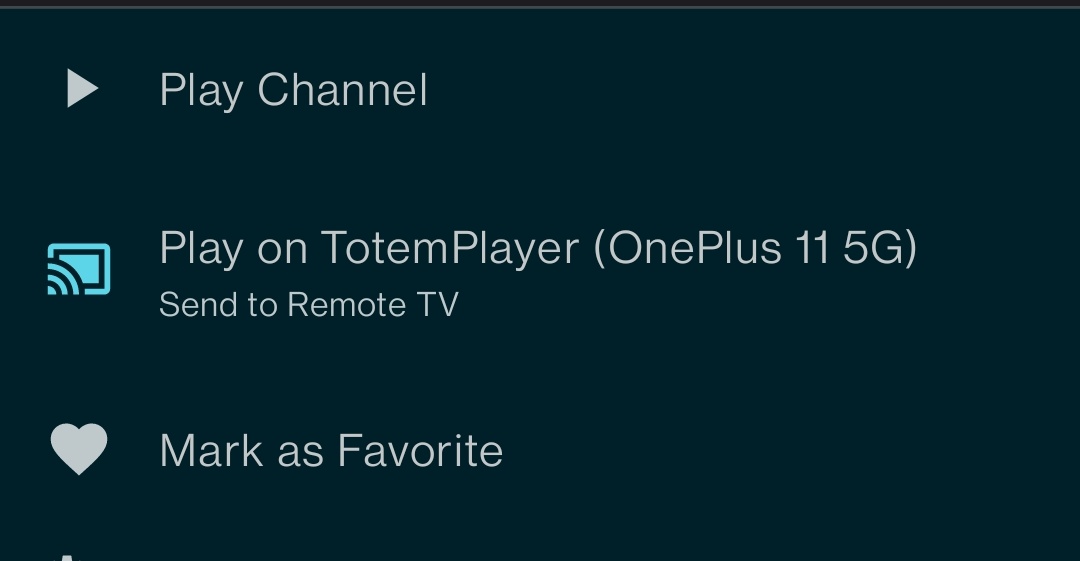
- Long press on the channel or movie.
- A popup with options will appear.
- Tap on "Play on TV" (or the Play icon).
The video will start playing on your TV instantly via Totem Player.